Filament pulls water out of the air. A spool that sat open for a few weeks can print badly even though nothing else changed. Before you blame the printer or the settings, check the filament.
Signs your filament is wet
- Popping or hissing at the nozzle while it prints. That's water turning to steam.
- More stringing than usual: thin hairs between parts.
- Rough or bubbly walls where they used to be smooth.
- PLA that snaps on the spool or in the AMS when you bend it.
Which filaments care most
- PLA: slow to soak up water. Usually fine for months in a dry room.
- PETG and TPU: soak it up faster. Keep them sealed.
- Nylon, PVA and BVOH: very fast. Dry them before every print.
How to dry it
- Use a filament dryer, or a dryer box like the AMS 2 Pro, which dries filament itself.
- Set the temperature for that filament type. Check the label on the spool or the maker's page. PLA needs a low setting, or the filament and spool get soft.
- Give it hours, not minutes. Several hours is normal.
A kitchen oven is hard to keep at a low, steady heat and can warp the spool. A filament dryer is safer.
Keep it dry
- Put open spools in a zip bag or a box with a desiccant pack.
- Close the bag right after you take a spool out.
- Buy big bundles when they're on sale, but open one spool at a time. See the pack picker.
For more on filament types, see which filament to use.
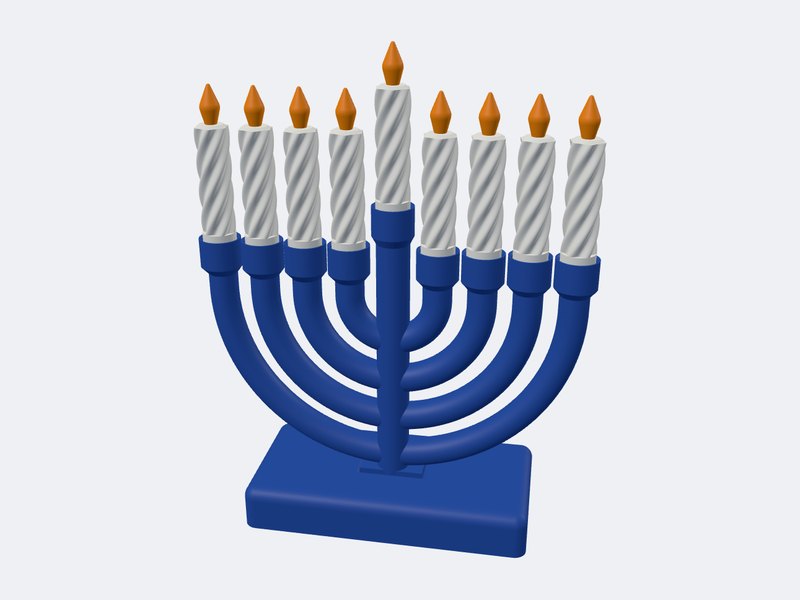 Menorah Builder
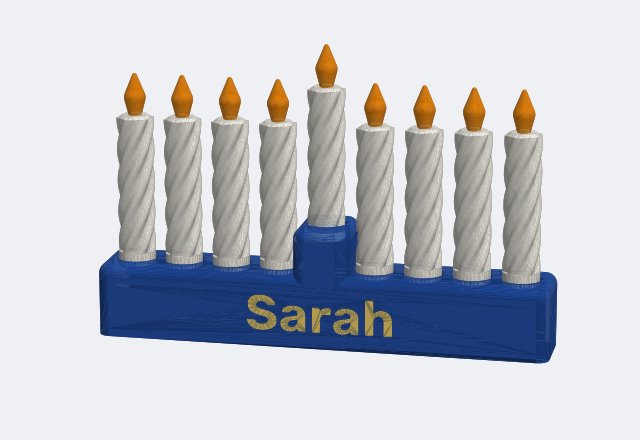 Name Menorah
 Chanukah Prints
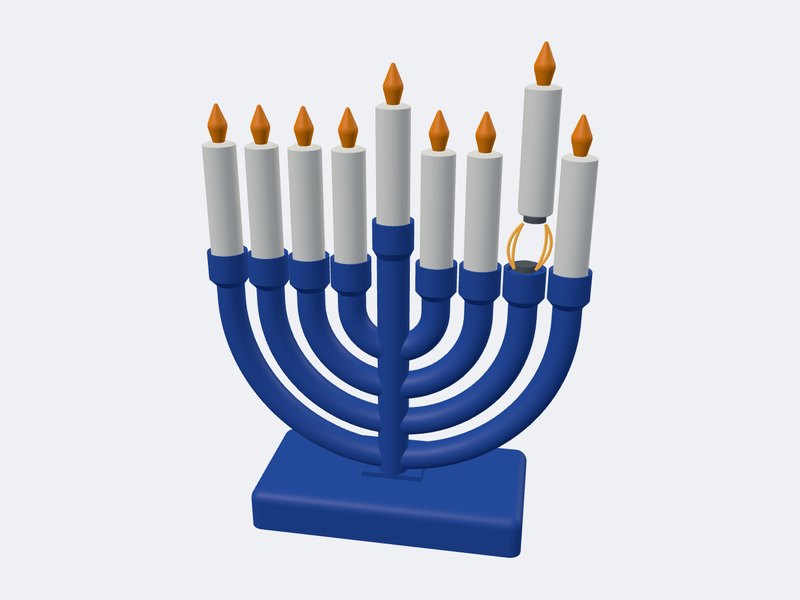 Rounded Menorah