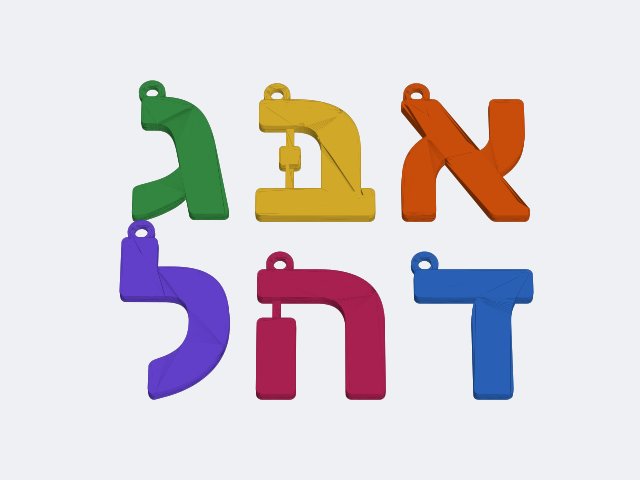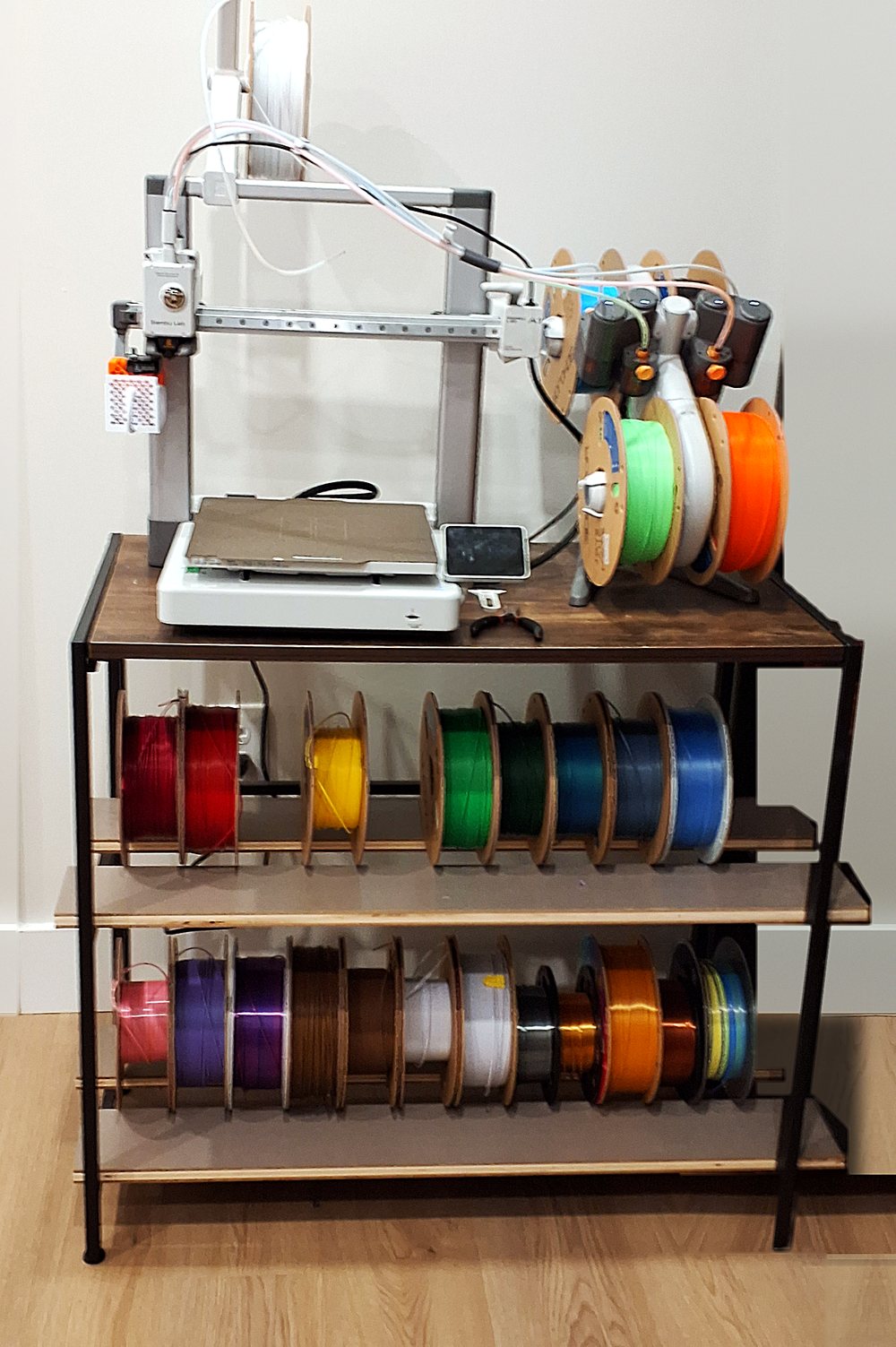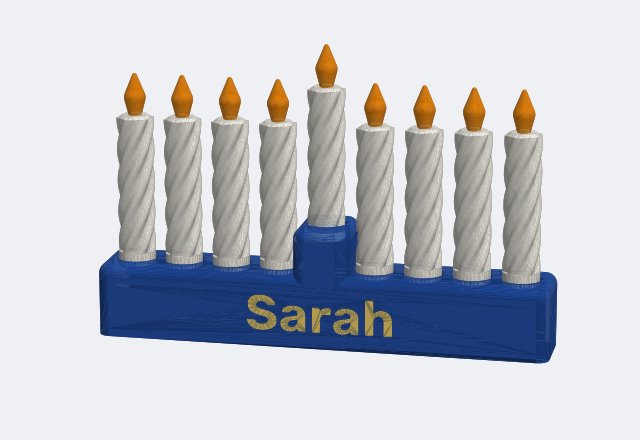
Want to print in two colours, like a name on a keychain or a menorah with coloured candles? Two things decide how easy it is: which AMS you have, and how your printer changes colour.
The two kinds of AMS
The AMS (Automatic Material System) holds your spools and feeds the colour the printer asks for.
- AMS lite: 4 spools on an open stand. It's made for the A1 and A1 mini. Cheaper and simple. Nothing keeps the filament dry, so it's best for PLA and PETG that you use up fast.
- The closed AMS box: 4 spools inside a closed box. The original AMS keeps them dry with desiccant packs. The newer AMS 2 Pro also dries filament itself (up to 65°C) and seals airtight. Bambu says it works with all their printers, with the right add-on parts. You can link up to 4 boxes (16 colours), and on the H2 printers up to 24 filaments with AMS HT units added.
- AMS HT: holds one spool and dries hotter than the AMS 2 Pro. Bambu suggests it for nylon, ABS and other filaments that need more drying.
For PLA keychains and Judaica, the AMS lite or a regular AMS is plenty. Drying matters more for PETG, TPU and engineering filaments.
How the printer changes colour
This is the part that decides speed and waste.
One nozzle: A1, A1 mini, P1S, P2S, X1C, H2S
The printer cuts the filament, pulls the old colour back, loads the new one, and pushes out the old colour until the new one comes out clean. That pushed-out plastic is the "poop" you find behind the printer.
- Every colour change costs filament and time.
- Going from a dark colour to a light one needs much more flushing than light to dark (Bambu wiki).
- A print with a colour change on every layer can waste a lot, sometimes more plastic than the print itself.
Two nozzles: H2D, X2D
Each nozzle holds its own colour. For a two-colour print, the printer just switches nozzles, so there's almost no flushing. That's faster and much cleaner. With more than two colours, a nozzle that changes colour still has to flush.
The X2D has a main nozzle plus a second helper nozzle, and Bambu lists a few limits for that one (TPU isn't recommended in it). The H2D has two full nozzles. See them side by side on Bambu's compare page.
Swapping hotends: H2C
The H2C swaps whole hotends (Bambu calls it Vortek). Bambu says it can print up to 7 colours with no flushing, because each hotend keeps its own filament (Bambu blog).
Waste less on a one-nozzle printer
These are settings in Bambu Studio:
- Flush into infill. The old colour goes into the inside of the part, where no one sees it. Skip this with clear filament.
- Flush into supports or a hidden object. This needs the prime tower turned on.
- Change colour by layer, not inside a layer. A keychain with a white base and a coloured name on top needs only one colour change. A design that mixes colours on every layer needs hundreds.
- Put light colours first when you can. Light to dark flushes less.
Which one fits you?
- Mostly one colour, sometimes two: any one-nozzle printer with an AMS (or AMS lite on the A1). Use the tips above.
- Lots of two-colour prints (names, signs, keychains): a two-nozzle printer saves real time and filament.
- Many colours all the time: that's where the H2C's hotend swapping helps.