Big or small? Multicolor or not? Open or closed? If all the choices make your head spin, here's the short version. Three questions, and you'll know which printer fits.
1. Big or small?
- A1 mini: smaller and cheaper. Its plate is 180 × 180 mm. Fine if you mostly print fidgets, keychains, dreidels and small toys.
- A1: the same kind of printer with a bigger plate, 256 × 256 mm. That gives you much more room: bigger pieces, bigger toys, or many small prints on one plate at once.
Not sure? Go bigger. Small things print fine on a big plate, but big things don't fit on a small one.
2. Do I need the AMS (multicolor)?
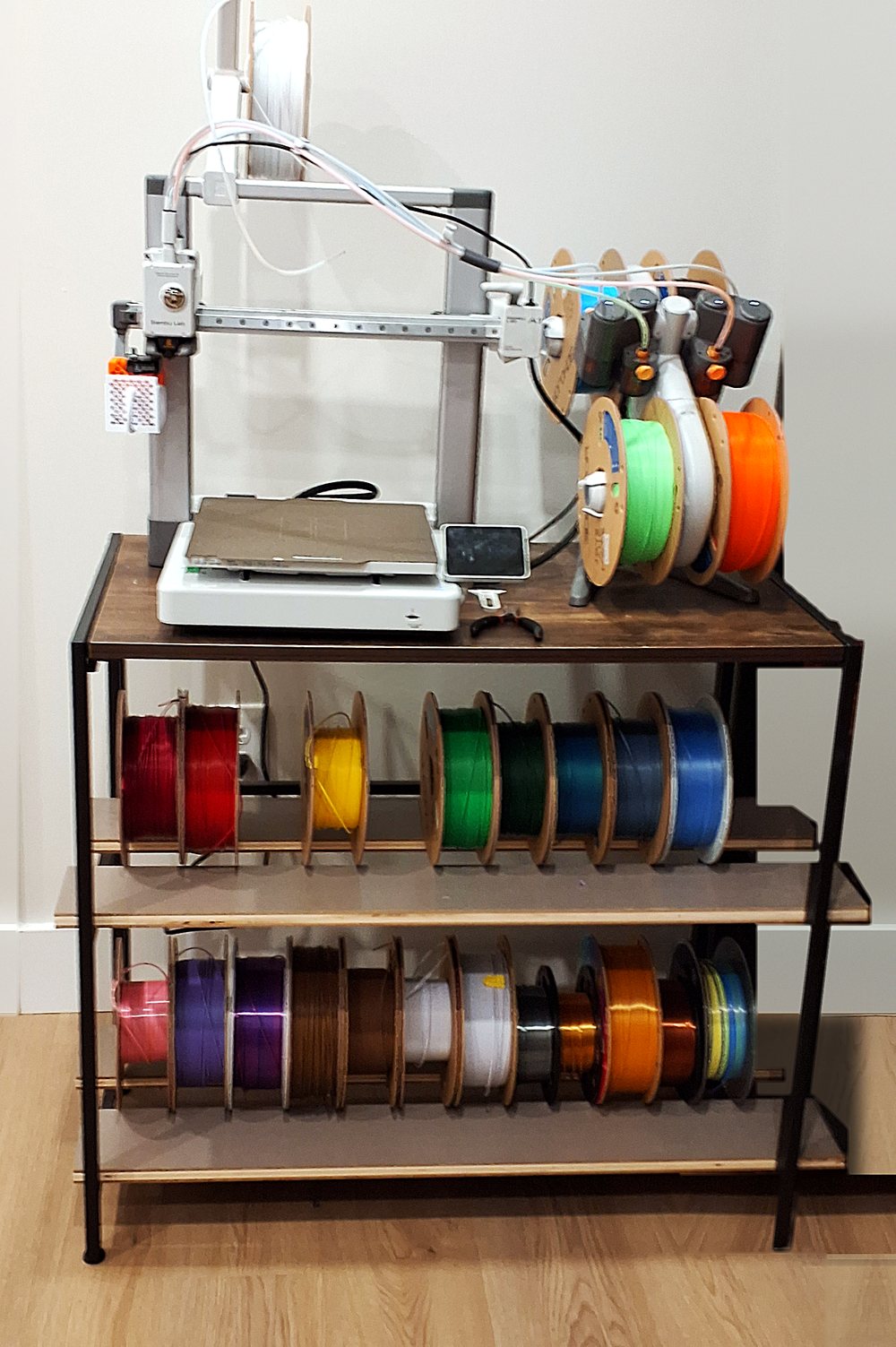
The AMS holds 4 spools and feeds the color the printer needs (on the A1 and A1 mini it's the AMS lite). A printer that comes with one is called a Combo. It gives you two big things:
- Load your colors and forget it. Keep your favorite colors loaded. When you want a different color, pick it in Bambu Studio. No changing spools by hand.
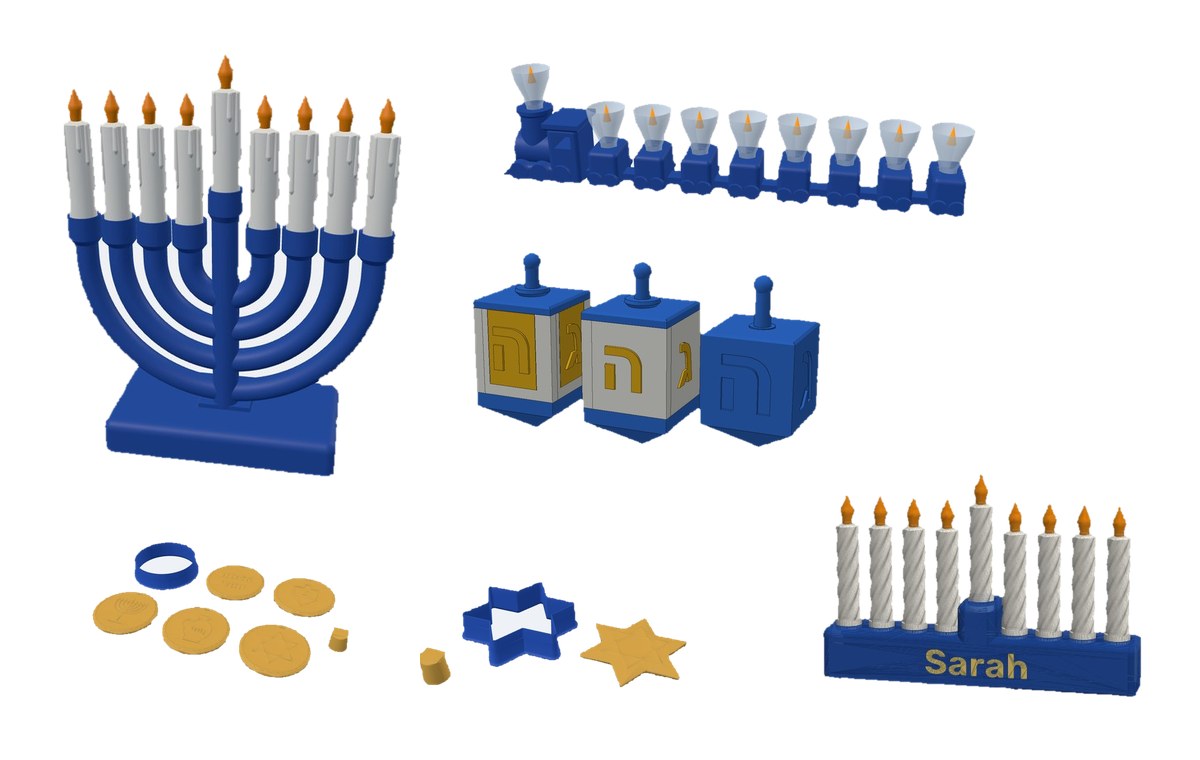
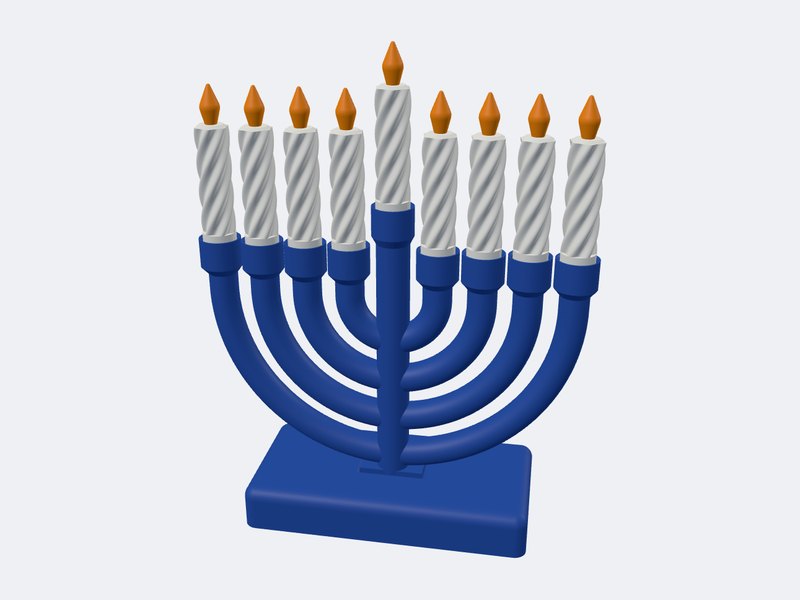
- Prints with more than one color. Names on keychains, colored candles on a menorah, two-color signs. This is the big one.
Your first few prints might be one color. But once you get into printing, you'll want color, and people who skip the AMS often wish they hadn't. Get the Combo if you can. (More on how color printing works: two-color printing.)
3. Open or closed?
- Open (A1, A1 mini): perfect for home use and PLA, which is what you'll print most. And kids love watching it build, layer by layer.
- Closed (like the P2S): keeps the heat in, which you need for harder filaments like ABS and ASA. Worth it if you plan to print a lot of those. See filaments for later.
So which one?
- Most homes and families: A1 Combo. Big plate, color, open so the kids can watch. It's the one I use.
- Small things only, smaller budget: A1 mini Combo.
- Lots of tough or heat-proof parts: P2S Combo.
Then: filament
Once you have the printer, you'll need filament. Start with PLA. Use the pack picker to find the cheapest packs for the colors you want, and see which filament to use.
Buying for a child? See is a 3D printer too complicated for a 9-year-old?
New to all this? Start with getting started.
As an Amazon Associate I earn from qualifying purchases. It doesn't cost you anything extra.
 Menorah Builder
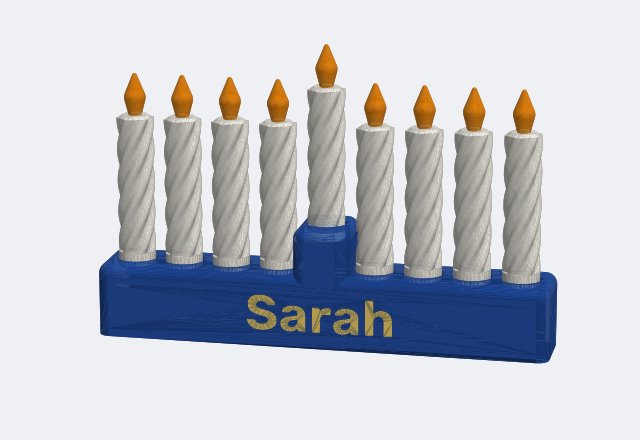 Name Menorah
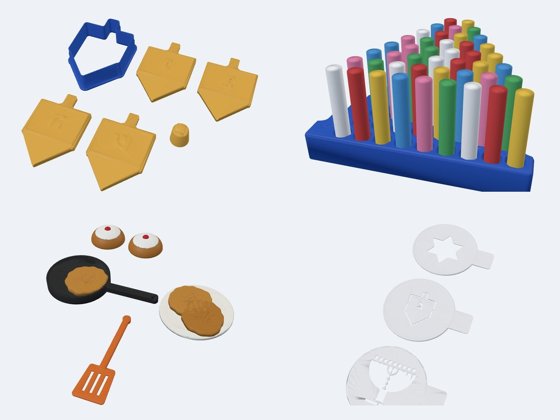 Chanukah Prints
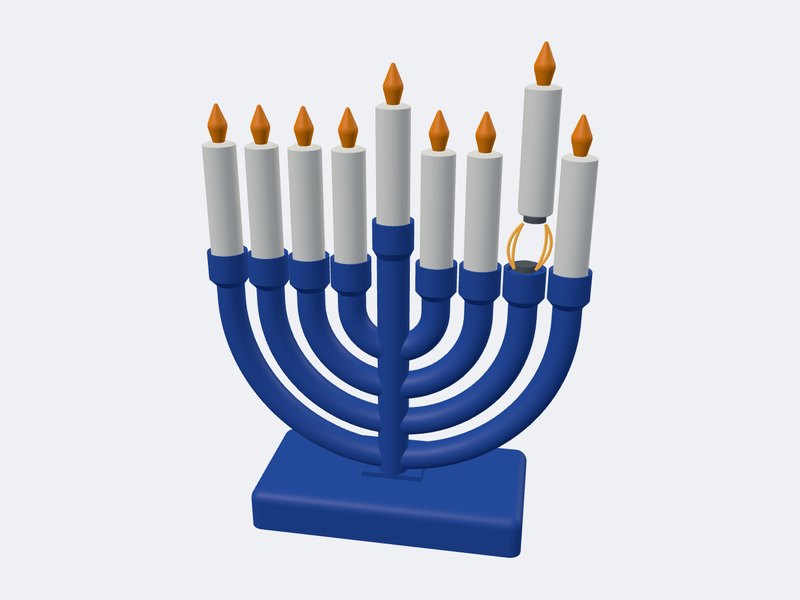 Rounded Menorah